
Piano Floor
Every footstep plays a note.
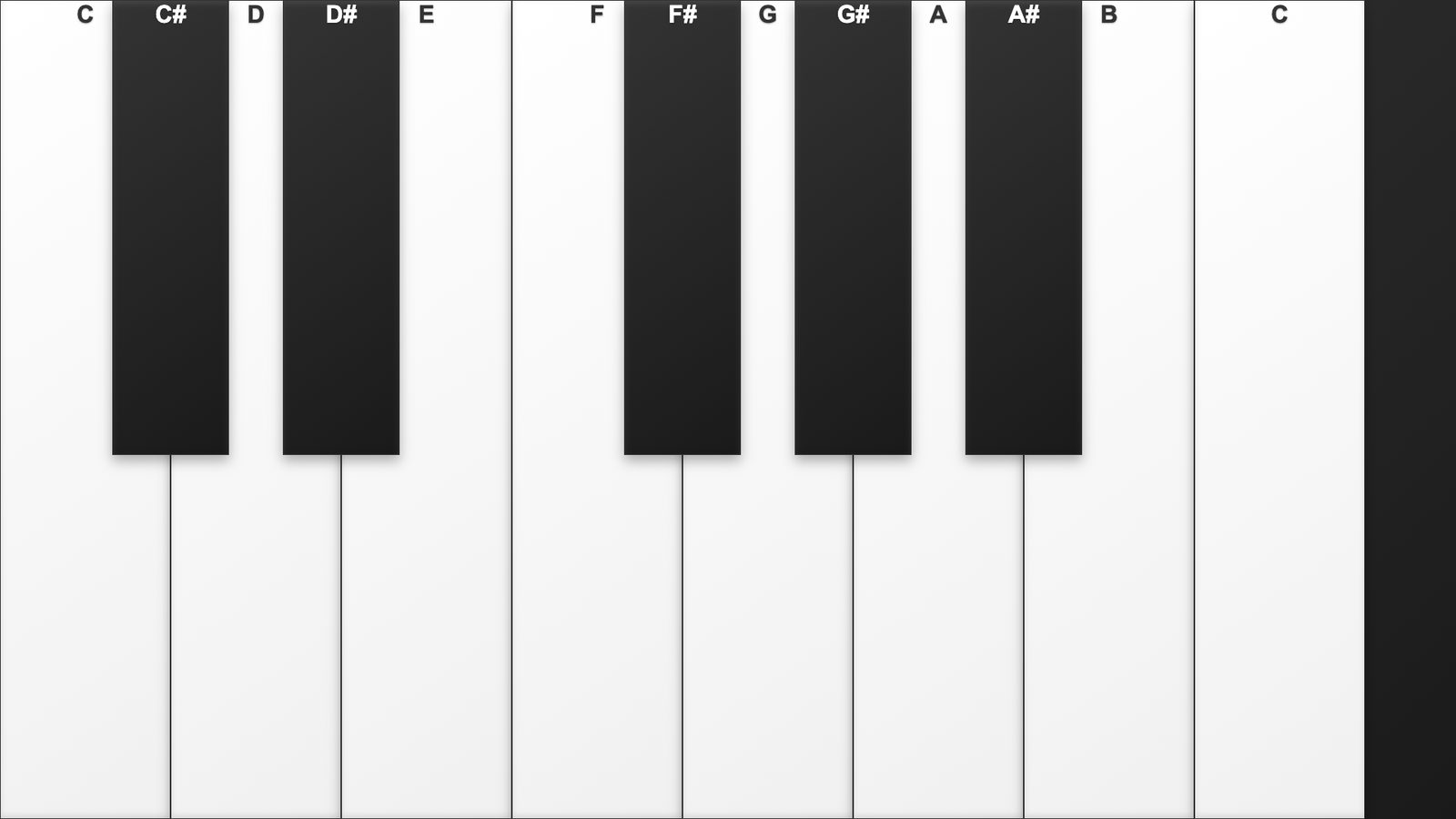
What happens in the room.
Step from key to key and the floor sings back. A classic crowd-pleaser that turns a hallway, lobby, or wedding aisle into a playable instrument.
Best for family entertainment centers, kids zones, wedding venues, and pop-up brand activations that need an instant guest engagement moment.
Compatibility
IF Series
IF-F (native)
Interaction
Touch · LiDAR
Surface
Floor
OS
Windows, Mac
How others use this.
- Family entertainment centers.
- Kids zones.
- Wedding venues.
- And pop-up brand activations that need an instant guest engagement moment.
Specifications
| Resolution | 1080p |
|---|---|
| Aspect ratio | custom |
| Loop length | 60 seconds (seamless) |
| Min CPU | Intel i5 / Apple M1 |
| Min GPU | Integrated |
| Min RAM | 8 GB |
| Hardware required | Touchscreen or LiDAR sensor required |
| Package size | ~180 MB (zip) |
Getting started
From the order email to the room glowing — about 3 minutes.
- Open the email with your download link and unzip the folder.
- Double-click
index.html. It opens in your default browser. - Press F11 (Windows) or Ctrl+Cmd+F (macOS) for fullscreen.
- Use Chrome or Edge for the best results.
Make it yours
Open customize/config.js in any text editor. Change the values, save, refresh the browser. Full guide inside the zip (customize/README-customize.md).
- Welcome text and labels. Event title, instructions, button labels.
- Sound effects and music. Per-sound volume, ambient music track, mute.
- LiDAR calibration. Trigger zones, sensor offset, sensitivity.
No coding required — it's a plain text file with comments next to every option. If something breaks, restore the backup notes at the bottom of the same file.
What you'll need
- Windows 10/11 or macOS 12+
- Latest Chrome or Edge browser
- Touchscreen or LiDAR sensor required
- ~180 MB free disk space
Delivery
Tell us a bit about your space and we'll send the build to your inbox within 24 hours. Windows and macOS files in one zip. Yours to keep, no expiry.