
Floor Aquarium
Step on virtual koi as they ripple around you.
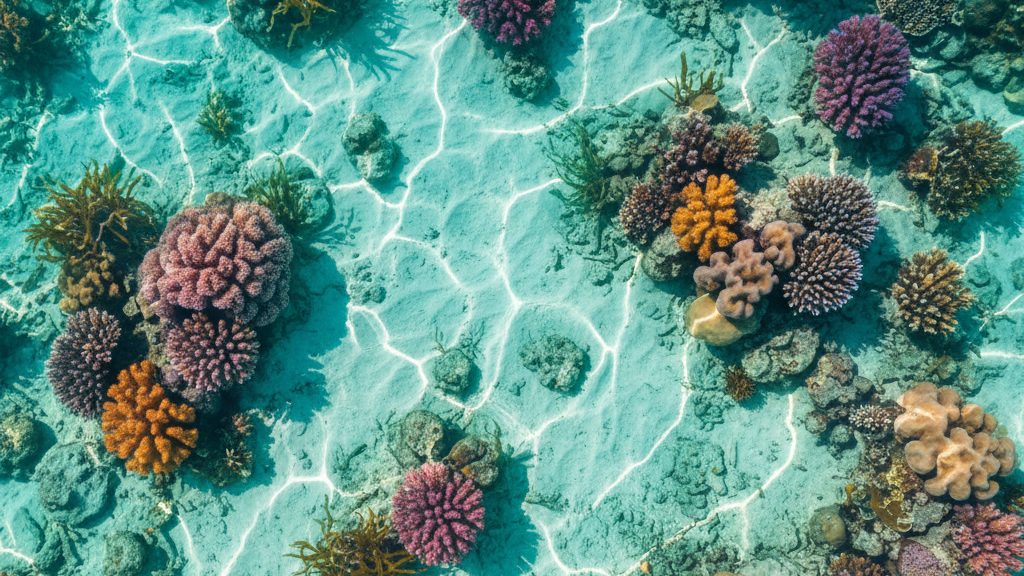
What happens in the room.
A floor-projection scene where virtual koi ripple around every footstep. When a visitor steps onto the floor, the koi scatter, and ripples follow. Any lobby, kids' zone, or event floor becomes a living pond — calm enough to slow the room down, magical enough to draw visitors in.
Best for family-entertainment centers, hotel lobbies, museums, and exhibitions that want a quiet, instinctive moment.
Compatibility
IF Series
IF-F (native)
Interaction
Touch · LiDAR
Surface
Floor
OS
Windows, Mac
How others use this.
- Family-entertainment centers.
- Hotel lobbies.
- Museums.
- And exhibitions that want a quiet.
Specifications
| Resolution | 1080p |
|---|---|
| Aspect ratio | 16:9 |
| Loop length | 90 seconds (seamless) |
| Min CPU | Intel i5 / Apple M1 |
| Min GPU | GTX 1060 / Integrated |
| Min RAM | 8 GB |
| Hardware required | Touchscreen or LiDAR sensor required for interaction |
| Package size | ~850 MB (zip) |
Getting started
From the order email to the room glowing — about 3 minutes.
- Open the email with your download link and unzip the folder.
- Install Python 3.10+ from python.org if you don't have it (free, one-time).
- Windows: double-click
start.bat. macOS: open Terminal, runbash start-kiosk.sh. - The browser opens automatically. Press F11 for fullscreen.
This piece runs a small local server so multiple displays stay in sync. If your firewall asks to allow Python, click Allow — the server runs only on your computer.
Make it yours
Open customize/config.js in any text editor. Change the values, save, refresh the browser. Full guide inside the zip (customize/README-customize.md).
- Welcome text and labels. Event title, instructions, button labels.
- Sound effects and music. Per-sound volume, ambient music track, mute.
- Water visual effects. Ripple intensity, surface color, ambient motion.
- Logo placement. Image path, position, size.
- Touch / sensor tuning. Sensitivity, debounce, hit area.
No coding required — it's a plain text file with comments next to every option. If something breaks, restore the backup notes at the bottom of the same file.
What you'll need
- Windows 10/11 or macOS 12+
- Latest Chrome or Edge browser
- Python 3.10 or later (free, python.org)
- Touchscreen or LiDAR sensor required for interaction
- ~850 MB free disk space
Delivery
Tell us a bit about your space and we'll send the build to your inbox within 24 hours. Windows and macOS files in one zip. Yours to keep, no expiry.